Smart Back in Stock Notifier
We will send the plugin directly to your inbox! Important: We only use your email to send notifications if a new version is available.

Transform your WooCommerce store into a revenue-generating powerhouse with the Super Order Bump plugin.
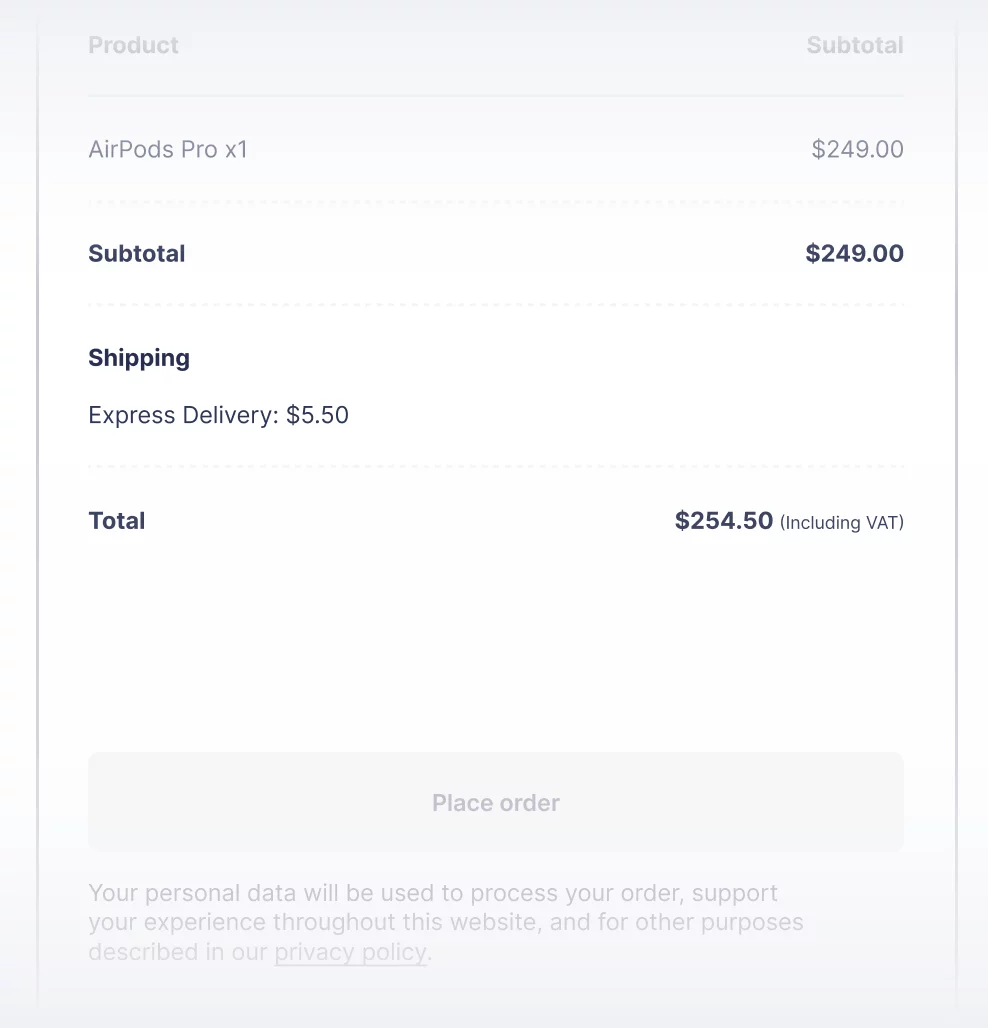
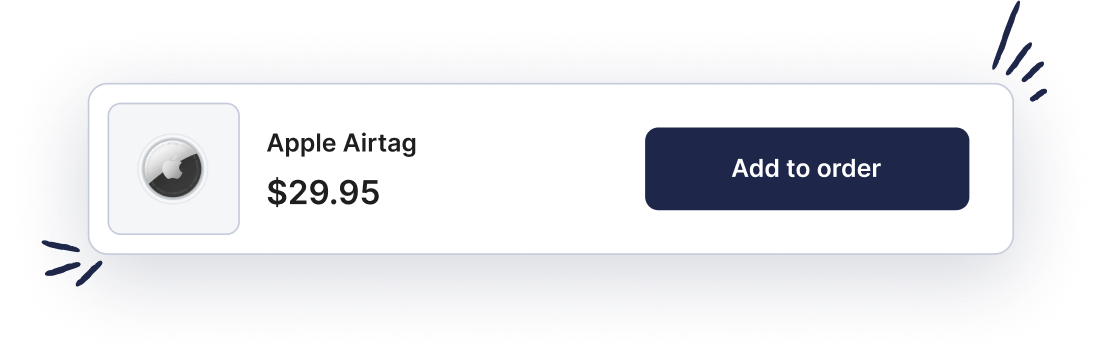
It’s never been easier to sell more.




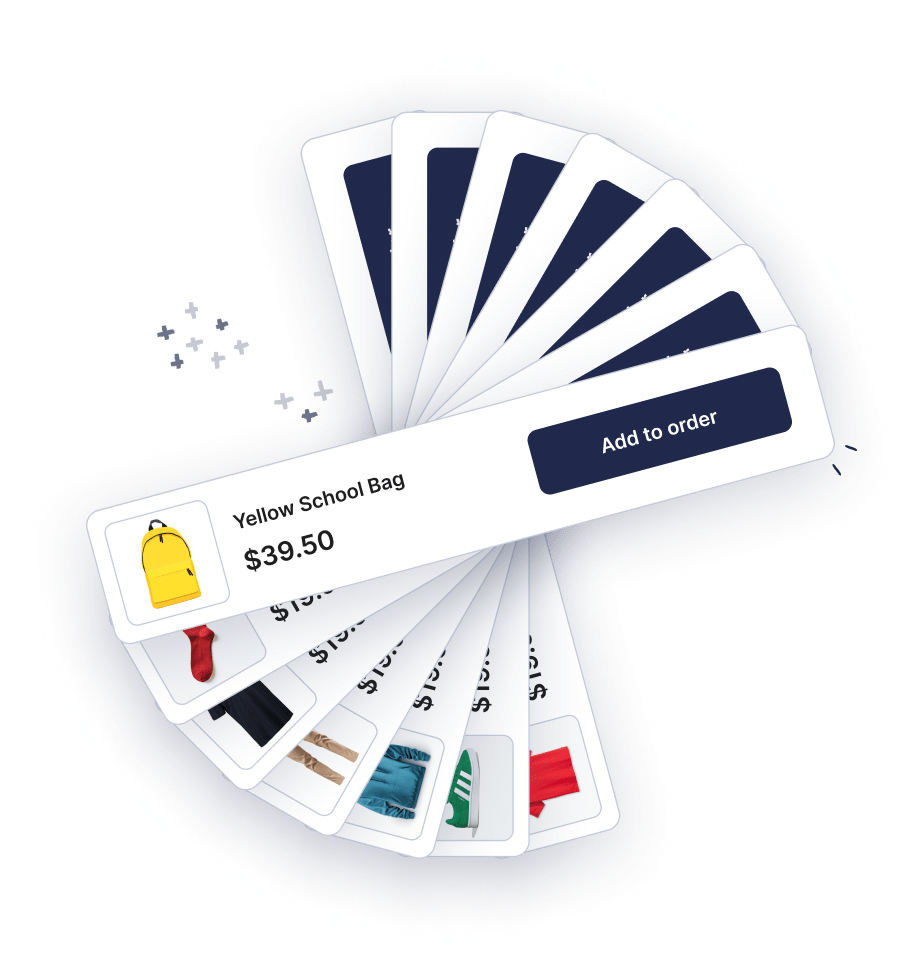
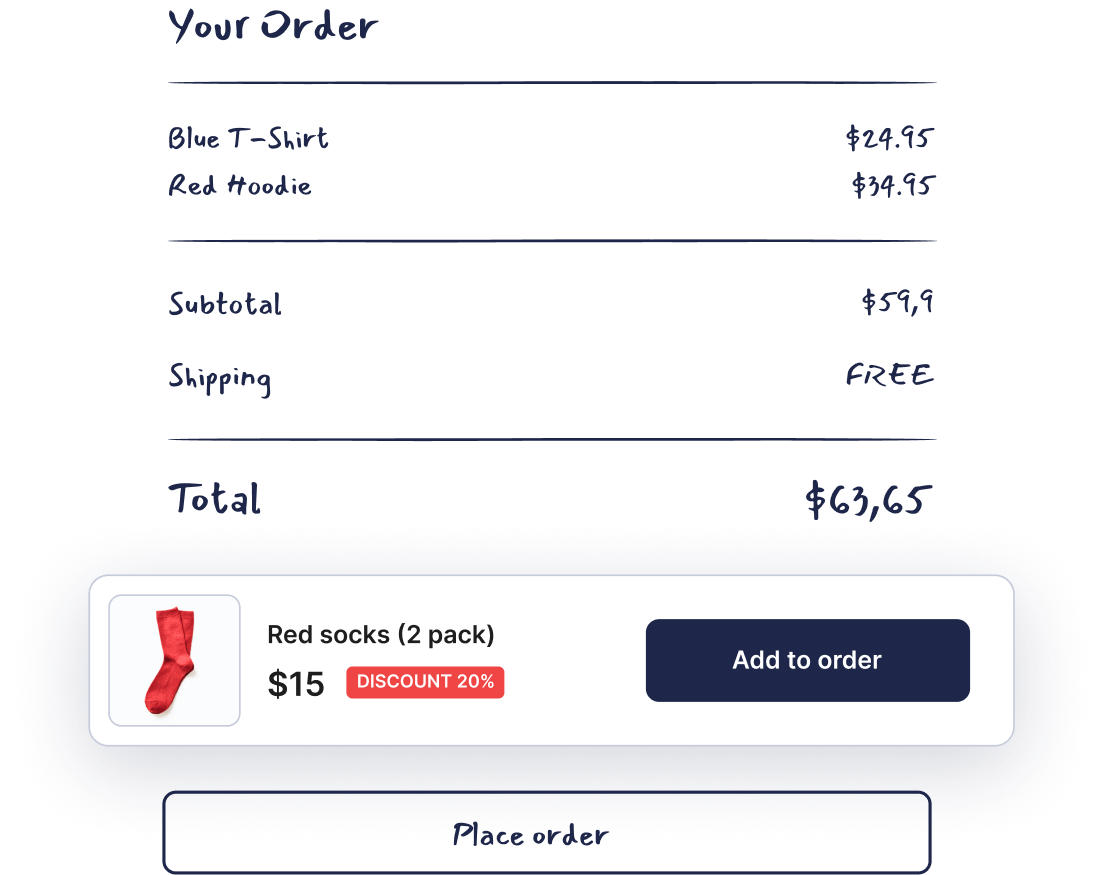
This bloat-free plugin lets you easily create multiple stunning upsell widgets that enhances your customer’s shopping experience and boosts your sales instantly.
Our plugin is completely free, offering you premium functionality at no cost.
♥️
Lightweight and efficient, our plugin ensures your site remains fast and responsive.
♥️
The upsell widget features a minimalistic and modern design, seamlessly integrating with your theme’s style.
♥️
From the backend settings, you can effortlessly select any product from your store to feature as an upsell.
Boost your sales by showcasing multiple upsell products in an eye-catching slider. The Super Order Bump for WooCommerce plugin allows you to present a variety of related items to your customers at the perfect moment – during the checkout process.


Super Order Bump for WooCommerce gives you the flexibility to create personalized, attention-grabbing headings and choose from various display options. This ensures your offers are not only compelling but also perfectly aligned with your brand.
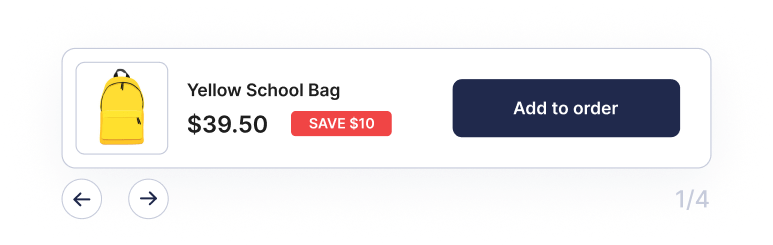
Seamlessly add targeted order bumps to your checkout process and encourage customers to add more items to their cart, increasing your average order value with minimal effort.
Our product research reports an average order value increase of +18% among our active plugin users.
Enhance your checkout page and increase your sales with Super Order Bump for WooCommerce. Download now and start transforming your customer’s shopping experience today – completely free!

Don’t settle for a mediocre website. Join the UX Heart community and discover how easy it is to create a beautiful, highly effective WordPress & WooCommerce site. PS: We never spam…

An order bump is a one-time offer presented to customers during the checkout process. It’s designed to increase the average order value by encouraging customers to add an additional product to their cart at a discounted price.
To enable the order bump, navigate to WooCommerce > Settings > Order Bump in your WordPress admin area. Check the option to enable the order bump, and configure the settings as desired.
Yes, you can choose to display the order bump either before or after the payment section on the checkout page. This option is available in the plugin settings under “Order Bump Placement.”
In the plugin settings, you can select the upsell product from a searchable dropdown list. Simply start typing the product name, and select it from the list.
Yes, you can set a discount percentage for the upsell product in the plugin settings. The discounted price will be displayed alongside the original price on the checkout page.
You can customize the discount badge text, font size, font color, and background color in the plugin settings. This allows you to match the discount badge with your store’s design.
The plugin uses AJAX to add the upsell product to the cart without requiring a page reload. When the customer clicks the “Add to order” button, the product is added to their cart with the specified discount, and the checkout page is refreshed.
Yes, the order bump is designed to be responsive and looks good on all devices, including desktops, tablets, and mobile phones.
Yes, you can disable the order bump feature by unchecking the enable option in the plugin settings. This allows you to keep the plugin installed without displaying the order bump on the checkout page.
The Simple Order Bump for WooCommerce plugin is designed to work with most WooCommerce-compatible themes. However, if you encounter any issues, please contact support for assistance.
For support, please visit UX Heart Support. You can find documentation, FAQs, and contact information for additional help.